

What is a TikTok API: How to Get Credentials and Use Them


TikTok isn’t just for scrolling anymore. It’s where buying decisions happen. Over 1 billion people use it monthly, and 1 in 3 users have bought something directly after seeing it on the platform.
Brands that figured this out early are now embedding live feeds, pulling ad data automatically, and syncing product catalogs without touching the app.
Businesses connecting TikTok to websites, analytics, and stores are seeing measurable growth. The API is the key to this automation.
It allows you to automatically pull content, track performance, and integrate TikTok with your existing tools, without relying on manual work. Whether you want to embed videos on your site, monitor ad results, or sync products with TikTok Shop, the API makes it possible.
In this guide, you’ll learn how it works, how to get access, and the easiest way to start using it based on your setup. Let’s get started!
Key Takeways
- The TikTok API lets your website, app, or software connect to TikTok to retrieve data, track performance, and automate actions
- Choose the API based on your goal:
- Marketing API → manage and track ads
- Business API → display TikTok feeds on your website
- TikTok Shop API → sync products, orders, and inventory
- To get access, create an app at developers.tiktok.com and generate your Client Key and Client Secret
- Developers can integrate using REST APIs and OAuth 2.0
- Non-technical users can skip all that and use a WordPress plugin to connect TikTok in minutes
What is the TikTok API?
The TikTok API is a set of tools and protocols that allow developers to connect their websites, apps, or software with TikTok. It enables secure data exchange, content sharing, and account management through standard technologies like REST and JSON.
It provides access to key features such as video management, user profiles, analytics, and advertising tools (via the Marketing API). This makes it useful for tasks like adding “Share to TikTok” options, tracking video performance, or managing ad campaigns without manual effort.
For businesses, the main benefit is automation and efficiency. You can display TikTok videos on your website, monitor performance in one place, sync product catalogues with TikTok Shop, and streamline your content workflows without constantly logging in.
Types of TikTok APIs
TikTok provides multiple API products, each designed for specific use cases. Most businesses only need one, so picking the right API early avoids unnecessary complexity.
Note: TikTok updates API names and scopes regularly, so always check the latest TikTok Developer documentation before starting.
Not sure which one you need? Continue reading!
| Your goal | API to use |
| You run TikTok ads and want performance data | Marketing API |
| You want to embed your TikTok feed on your website | Business API |
| You sell products and need to sync inventory or orders | TikTok Shop (E-commerce) API |
| You want video stats and audience insights for your account | Analytics API |
| You’re building a tool for content creators | Creator Tools API |
Here’s what each one does:
TikTok Marketing API
Used for running and tracking ads at scale. Pull campaign data like impressions, clicks, and spend into your own dashboards. Access is managed through the Business API Portal at business-api.tiktok.com.
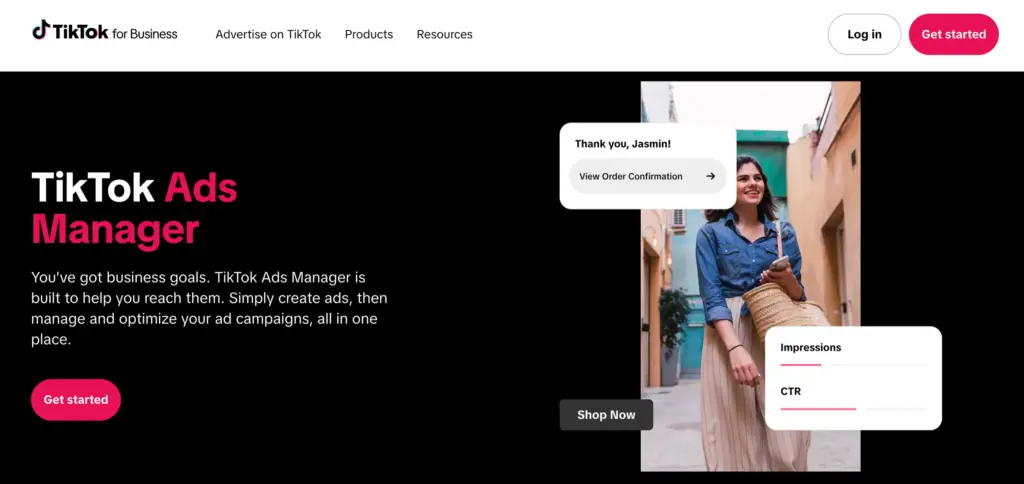
The TikTok Marketing API is built specifically for managing paid advertising at scale. It allows you to programmatically create campaigns, manage ad groups, and pull detailed performance data like impressions, clicks, conversions, and spend into external systems.
Who uses it & how:
Performance marketers, ad agencies, and growth teams use it to automate campaign management, build custom reporting dashboards, and optimize ad performance across multiple accounts without manually operating inside TikTok Ads Manager.
TikTok Analytics API
The Analytics API focuses on organic performance data. It gives structured access to video-level metrics, audience demographics, follower growth, and engagement insights, making it easier to analyze content performance outside the TikTok interface.
Who uses it & how:
Social media managers, analysts, and reporting teams use it to centralize TikTok data with other platforms, track content trends over time, and generate performance reports without relying on manual exports.
TikTok Creator Tools API
This API is designed for platforms that work directly with creators. It enables content publishing, scheduling, and access to creator account data, making it possible to manage multiple accounts and workflows from a single system.
Who uses it & how:
Creator marketplaces, SaaS platforms, and agencies use it to schedule posts, manage multiple creator profiles, track engagement, and streamline collaboration workflows between brands and creators.
TikTok Business API
The Business API provides access to core business account data and features, particularly around organic content and profile-level insights. Most small businesses and marketers use this when they want to embed TikTok feeds or monitor brand activity. Accessed through developers.tiktok.com.

Who uses it & how:
Website owners, developers, and marketers use it to embed TikTok feeds, monitor brand activity, and keep on-site content automatically updated without needing to manually upload or refresh videos.
TikTok E-commerce API (TikTok Shop)
The E-commerce API is focused on transactional workflows within TikTok Shop. While the API is managed through the TikTok Seller Center for approvals and shop linkage, developers still use the TikTok Developer portal for OAuth, sandbox testing, and programmatic integration.

Who uses it & how:
eCommerce teams, operations managers, and store owners use it to connect their backend systems with TikTok Shop, ensuring product availability, order syncing, and inventory updates happen in real time without manual intervention.
How to Get TikTok API Credentials (Step-by-step Process)
To get a TikTok API key, sign up at developers.tiktok.com, create an app, select the permission scopes your project needs, and TikTok will generate a Client Key and Client Secret for your app. The full process takes only a few minutes. Follow the steps below:
Step 1: Create a TikTok Developer Account
Go to developers.tiktok.com and sign in with your TikTok account. If you don’t have one yet, create a regular TikTok account first. A business account is preferred if you’re using the API for marketing or commerce purposes.
Step 2: Create Your App
Click Manage Apps, then Create App. You’ll be asked for:
- App name (your project or brand name)
- App description (what your integration does)
- App category (web app, data analytics, etc.)
- Platform (web, iOS, Android)
Special Note: Be specific here. TikTok reviews these details, and vague descriptions can slow down your approval.
Step 3: Choose Your Scopes and Permissions
Scopes are permission categories that tell TikTok what your app needs access to. For example:
- user.info.basic → basic profile data
- video.list → pull a user’s video feed
- video.insights → analytics data
Only request the permissions you actually need. For example, if you just want to show your TikTok feed on WordPress, only request video.list. Asking for unnecessary permissions can raise red flags during review and may get your app rejected.
Step 4: Get Your API Keys
Once your app is created, TikTok will generate two important credentials:
- Client Key (App ID): your app’s unique identifier
- Client Secret: a private key used to authenticate requests. Keep this secure and never share it publicly.
You’ll also need Access Tokens when making API calls on a user’s behalf. TikTok issues short-lived tokens (typically 24 hours) and long-lived tokens (lasting up to 60 days).
Short-lived tokens need periodic refresh, which you must handle manually if using raw API integration. WordPress plugins like Custom Feed for TikTok by WP Social Ninja automatically manage token refreshes, making it safer and easier for non-developers to keep feeds live without touching OAuth flows.
Step 5: For the TikTok Marketing API
Go to business-api.tiktok.com/portal. Business verification is required for most Marketing API access. Connect your ad account and use the sandbox environment to test before going live.
Step 6: For TikTok Shop / E-commerce API
TikTok Shop API is managed in the TikTok Seller Center. You need an active TikTok Shop account and approval there. Use the Developer portal only for sandbox testing before connecting to real shop data.
Pro Tip: Always test in a sandbox first. Both portals let you try dummy data before touching real accounts or ad budgets.
How to Use the TikTok API
Once you have credentials, using the TikTok API means sending authenticated HTTPS requests to TikTok’s endpoints and handling the JSON responses in your application.
TikTok API Python Example: Pulling Your Feed
If you’re a developer, here’s a working example to get started (non-developers can skip ahead):
import requests

access_token = "YOUR_ACCESS_TOKEN"

url = "https://open.tiktokapis.com/v2/video/list/"

headers = {

"Authorization": f"Bearer {access_token}",

"Content-Type": "application/json"

}

params = {

"fields": "id,title,video_description,statistics"

}

data = {

"max_count": 10

}

response = requests.post(url, headers=headers, params=params, json=data)

print(response.json())
This returns a list of your videos along with stats like view count, like count, and comment count. This returns your videos and stats, which you can display directly on your website.
Special Note: Some endpoints may require POST instead of GET, but for the standard video list, GET is correct. Always verify the method in TikTok’s latest developer documentation.
TikTok Marketing API Python Example
If you’re running TikTok Ads and want to pull campaign performance data automatically, you can use Python to access the Marketing API.
This example shows how to get basic metrics like impressions, clicks, and spend for your campaigns. Don’t worry, if you’re not a developer, you can skip this section and still connect TikTok to WordPress using a plugin like Custom Feed for TikTok – Social Post Feed Plugin for TikTok.
</> Python

import requests

url = "https://business-api.tiktok.com/open_api/v1.3/report/integrated/get/"

headers = {

"Access-Token": "YOUR_ACCESS_TOKEN",

"Content-Type": "application/json"

}

data = {

"advertiser_id": "YOUR_ADVERTISER_ID",

"report_type": "BASIC",

"data_level": "AUCTION_CAMPAIGN",

"dimensions": ["campaign_id"],

"metrics": ["impressions", "clicks", "spend"],

"start_date": "2024-01-01",

"end_date": "2024-01-31",

"page": 1,

"page_size": 10

}

response = requests.post(url, headers=headers, json=data)

print(response.status_code)

print(response.json())
This snippet returns your campaign data in JSON format, which you can feed into dashboards or reports. You can also add extra metrics like cost per click or conversions, depending on what insights you need.
How Businesses Can Use the TikTok API
The TikTok API helps you connect your TikTok account to your website, ads, and shop. Here’s what it can do for your business:
Embedding TikTok feeds on your website
Pull your latest TikTok videos and display them on your homepage or product pages as live social proof. This acts as social proof, helping visitors see your content and stay engaged.
You can see how real brands are using embedded TikTok feeds to drive conversions and trust in these TikTok marketing examples, including what made those approaches work.
Tracking campaign performance
Use the TikTok Marketing API to pull ad metrics (impressions, clicks, conversions) directly into your reporting dashboard or CRM, so you won’t need to check TikTok Ads Manager everyday.
TikTok Shop integrations
Connect your online store with TikTok Shop to manage inventory, orders, and product listings automatically. This keeps your shop updated and can help turn TikTok engagement into sales.
If your goal is to turn TikTok content into actual sales, these TikTok for small business examples show the specific integrations that save time and generate revenue, providing useful context before you decide which API path fits your setup.
At this point, you should have a clear idea of which API path fits your setup.
WordPress users: Custom Feed for TikTok (Social Post Feed Plugin for TikTok) handles the entire TikTok API layer for you; OAuth, token refresh and feed display, through a visual interface. Easy to set up and customization, it needs no coding and updates your feed automatically.
If you want to go beyond setup and see how this works in practice, explore how a TikTok plugin for WordPress makes it easy to embed and manage TikTok feeds directly on your site without dealing with API complexities.
Developers: Keep reading for best practices, security guidelines, and the complete checklist before you go live.
TikTok API Best Practices (Keep Your Connection Safe)
Following these best practices keeps your TikTok connection safe, reliable, and prevents common mistakes that can break your integration.
- Keep your Client Secret safe: Never share it in your website code, public repositories, or anywhere people can see it. Store it securely, like in environment variables or a secret manager.
- Follow rate limits: TikTok limits how many requests you can make per minute and per day. Avoid errors by adding retry logic and caching responses when possible.
- Only ask for what you need: Requesting fewer permissions makes approval faster and reduces security risks. For example, if you just want to show videos on your site, don’t request ad data.
- Follow TikTok rules: Don’t collect data outside the API, store it longer than allowed, or use it for unapproved purposes. TikTok monitors usage and can remove access if rules are broken.
- Test first in sandbox: Always try your integration in a test environment before going live. This prevents issues with real accounts or data.
Common Mistakes to Avoid
- Storing access tokens in plain text files or version control
- Forgetting to handle token expiry (causes silent failures)
- Making too many API calls without caching the responses
- Ignoring the review process and trying to use unapproved scopes in production
TikTok API for WordPress (The Easier Path)
If you run a WordPress site and want to display TikTok videos on your pages without touching any code, Custom Feed for TikTok takes care of everything. It keeps your feed updated and lets you customize the feed template easily.
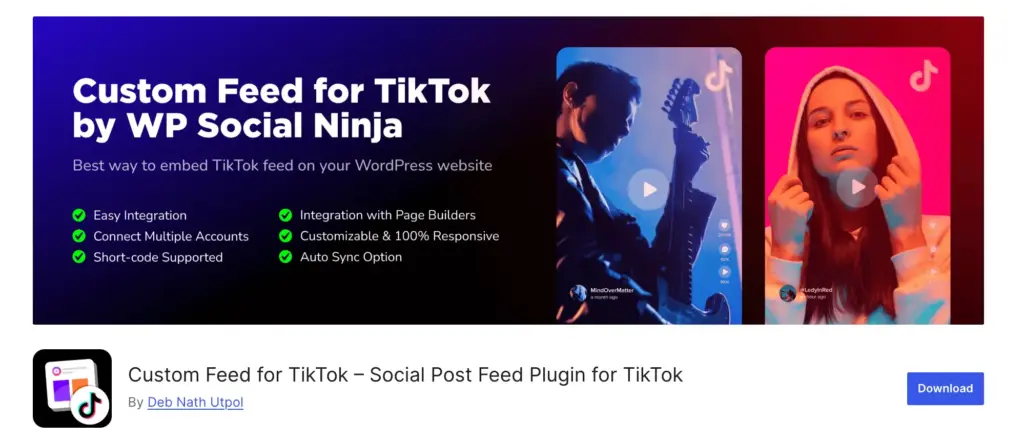
Setting up raw API access requires handling OAuth, token refresh, and ongoing maintenance whenever TikTok updates its API. This TikTok feed plugin eliminates all of that.
What You Can Do with the Free Version
- Connect your TikTok account and display your video feed automatically
- Choose a responsive layout and adjust the number of columns and spacing
- Control how many posts appear and the order in which they show (ascending/descending)
- Customize feed elements such as author name, profile photo, video description, and icons
- Add a header with your TikTok profile picture and name, and choose whether to show it
- Use pagination to split long feeds into multiple pages
- Set how long feed data is cached to speed up page loading
Easily embed your TikTok videos on your WordPress site and display your latest content automatically. It needs no OAuth setup, no token management, and no coding needed.
What the Pro version includes
- Connect and display multiple TikTok accounts on your site
- Use a Carousel layout with autoplay, speed settings, and navigation options
- More flexible post ordering options include most viewed, most liked, or random sorting
- Advanced feed filters to show or hide posts based on keywords or hashtags
- Open posts in a popup box or on the original TikTok platform
- Display a Follow button that can be placed in the header, footer, or both
- Access deeper style settings to customize individual elements of your TikTok feed
Explore inspiring TikTok success stories where brands have turned their video content into engaging website experiences. Don’t forget to see a demo to understand how you can display the same on your own site.
Final TikTok API Setup Checklist (Developers, Marketers & WordPress Users)
Before you wrap up, use this quick checklist to make sure everything is set up the right way. Whether you’re a developer, marketer, or WordPress user, these steps will help you avoid mistakes and get your TikTok integration running smoothly.
For developers and technical marketers:
- Create a TikTok Developer account (developers.tiktok.com)
- Build your app and select only the scopes you need
- Save your Client Key and Client Secret somewhere secure
- Implement OAuth 2.0 to generate user access tokens
- Test everything in the sandbox before going live
- Set up rate limit handling and token refresh logic
- For Marketing API, apply separately (business-api.tiktok.com)
For WordPress users:
- Install WP Social Ninja on your WordPress site
- Connect your TikTok account through the plugin
- Create your first TikTok feed and embed the feed on your homepage, about page, or a landing page
- Upgrade to Pro if you need advanced filtering and carousels
For e-commerce businesses:
- Set up a TikTok Shop account first
- Apply for TikTok Shop API access through the Seller Center
- Track TikTok performance alongside your website analytics
TikTok API Is an Opportunity, You Can Act on Now
The TikTok API isn’t just for developers. It’s built to help businesses grow. Whether you want to embed your content, automate ad reporting, or sync a product catalogue with TikTok Shop, the infrastructure is already there.
The path depends on who you are:
- Developer or technical marketer? Register at developers.tiktok.com, build your app, handle OAuth 2.0, and start pulling data with the Python examples in this guide.
- WordPress site owner? Install WP Social Ninja and have a live TikTok feed on your site in minutes
- E-commerce brand? Start with TikTok Shop, apply for e-commerce API access, and use shoppable feeds to turn TikTok content into revenue.

Get exclusive social media marketing tips and tutorials in your inbox!
Related Blogs:
- Instagram Graph API: Complete Developer Guide
- How to Fix Facebook API Error (Quick and Complete Guide)
- Airbnb API: A Comprehensive Guide for Hosts and Developers
- WhatsApp Business API 101: Setup, Types, Pricing, and Use Cases Explained
Frequently Asked Questions About the TikTok API
Does TikTok have an API?
Yes. TikTok has a full developer ecosystem with multiple APIs covering advertising, analytics, content, creator tools, and e-commerce. You can access them through the TikTok for Developers portal (developers.tiktok.com) and the TikTok Business API portal (business-api.tiktok.com). Each API product requires separate registration and scope approval.
Why would I need the TikTok API?
The TikTok API lets you connect TikTok’s data and features to your own tools without manual intervention. Common reasons include embedding your TikTok video feed on your website, pulling ad performance data into a reporting dashboard, syncing your product catalogue with TikTok Shop, or automating content workflows.
What are the requirements to access the TikTok APIs?
At minimum, you need a TikTok account, a registered app in the TikTok Developer API portal, and approval for the specific scopes your app requires. For the TikTok Marketing API, you’ll also need a business account and may need to complete business verification. TikTok Shop API access requires an active Seller Center account.
How do I get a TikTok API key?
Sign up at developers.tiktok.com, create an app, and TikTok will generate a Client Key and Client Secret for you. You’ll also need to implement OAuth 2.0 to generate user-level access tokens. The full step-by-step process is covered in the “How to Get TikTok API Credentials” section above.
Can I use the TikTok API to fetch public TikTok data?
It depends on the data type. Most TikTok APIs only let you access data from accounts that have given your app permission. If you want broader public data (like other accounts or hashtags), you’ll need access to the Research API, which requires a separate approval process and has strict eligibility rules.
What key data is available through the TikTok API?
It depends on your access level and permissions. You can get video data (like captions and IDs), engagement metrics (views, likes, comments, shares), basic profile info, and ad performance data. If you’re using TikTok Shop APIs, you can also access product details, orders, and inventory data.

Subscribe To Get
Weekly Email Newsletter
Connect, Customize, and Display Social Feeds, Reviews, and Chat widgets





Leave a Reply