

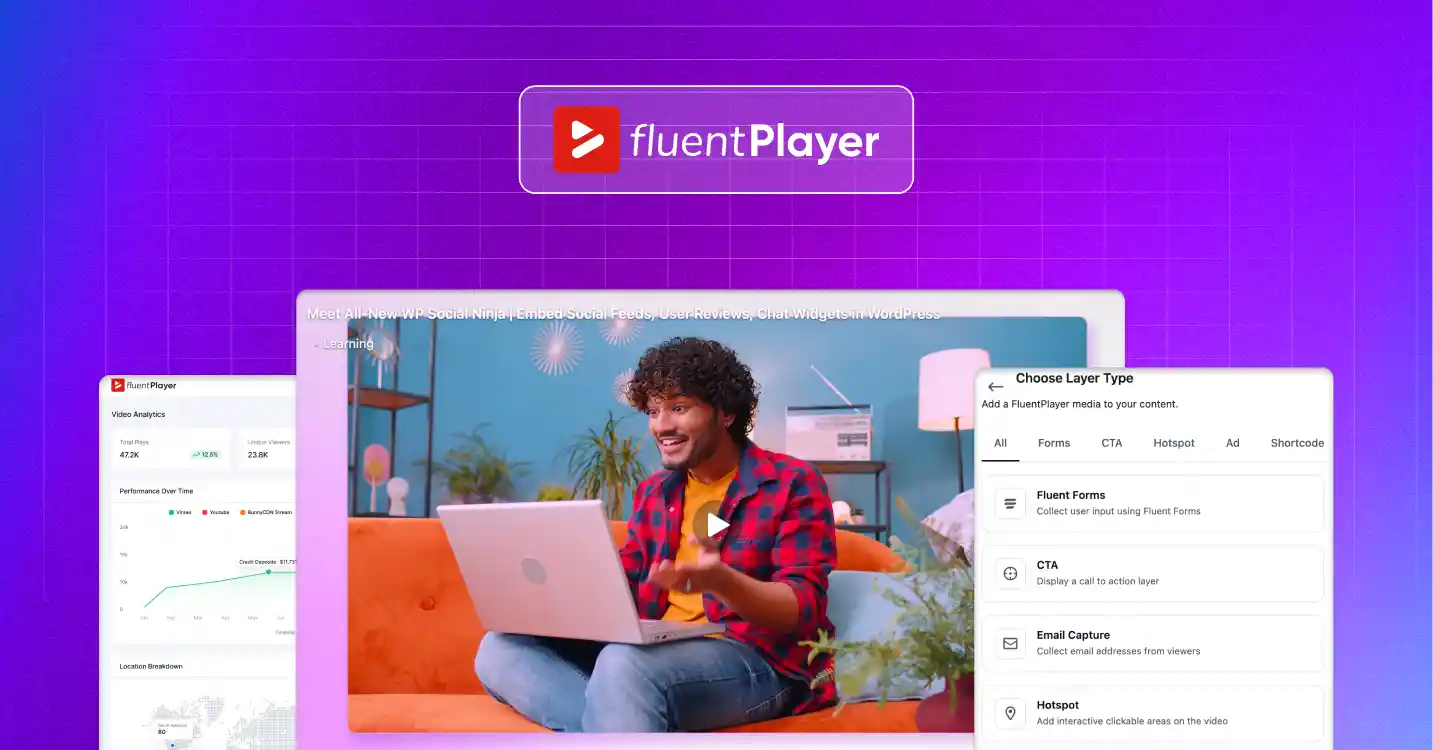
Introducing FluentPlayer: The Next-Gen Video Player for WordPress, Built for Growth


You added a video to your WordPress site. It loads, it plays, and it looks fine. Then nothing happens.
A video on its own rarely moves anyone to act. To fix that, you bolt a form under it, drop a CTA button further down the page, and hope the viewer scrolls back to do something.
I see this pattern everywhere. Course creators don’t know which lesson loses students. Marketers can’t tell if the demo video earns leads. Agencies rebuild the same player by hand on every client site. For years, no tool fixed it.
Meet FluentPlayer, the new video player for WordPress, built by WPManageNinja. It lets your video drive action from the inside, and it shows you whether that action landed, making it a truly next-gen video player.
And the good news is that FluentPlayer is now available for all, and to make things better, it is offering a Lifetime Deal for users right now.
In this article, I will introduce what FluentPlayer brings to the table and how it can change the video experience on your WordPress site forever.
Let’s get started.
Key takeaways
- On its own, a video on your WordPress site just plays. It rarely moves anyone to act, and a basic embed gives you no real way to tell if it worked.
- FluentPlayer is a video player plugin for WordPress, built for interactive video. It plays self-hosted files plus YouTube, Vimeo, BunnyCDN, and Mux, and lets you place actions inside the video.
- Its standout feature is the interactive layer: drop a form, CTA, email capture, or hotspot right inside the video at any timestamp, and a captured lead flows straight into FluentCRM.
- Built-in analytics track views, watch time, completion, and drop-off points, while playlists, chapters, custom branding, and reusable presets cover the everyday jobs.
- Whether you teach, sell, or grow, FluentPlayer turns video from something people passively watch into something that teaches, captures leads, and reports back, all inside WordPress.
What is FluentPlayer?
FluentPlayer is a video player plugin for WordPress, built for interactive video. It plays self-hosted files along with video from YouTube, Vimeo, BunnyCDN, and Mux, then lets you place actions inside the video and track how viewers respond.
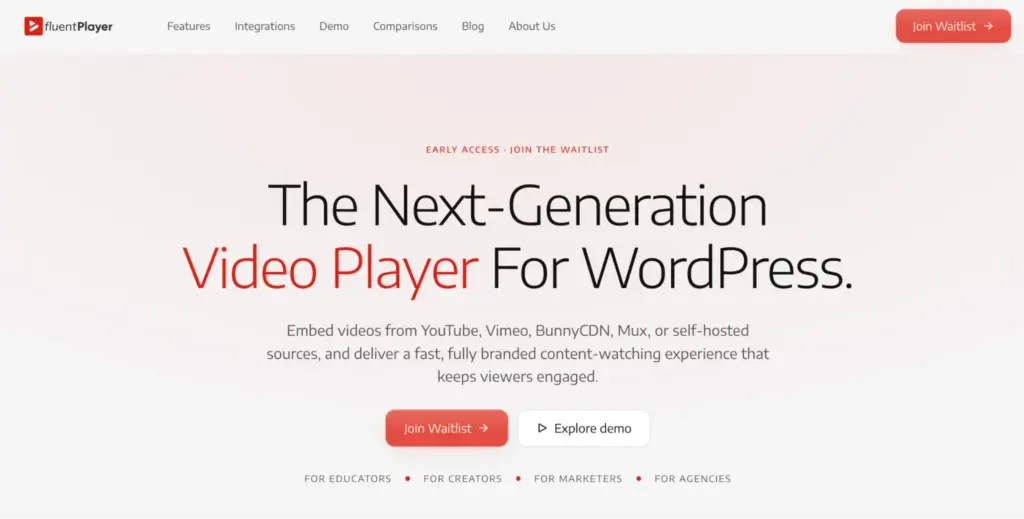
Here is what FluentPlayer does in practice:
- Control over playback and branding. Set autoplay, speed, picture-in-picture, and inline mobile playback, then apply your own logo and colors so every player matches your site.
- Features that keep viewers watching. Group clips into playlists, split long videos into chapters, add subtitles with language switching, and let viewers resume right where they stopped.
- A fit with your existing tools. Pull video from YouTube, Vimeo, BunnyCDN, Mux, or your own media library, and connect the rest of your stack through the Fluent ecosystem.
- Real insight into performance. Track views, watch time, completion rates, and the exact points where viewers drop off.
FluentPlayer runs inside WordPress rather than sitting on top of it. You set up players in the block editor with no embed code to paste, and the video loads lazily, so it does not slow your pages down.
What makes FluentPlayer different?
The interactive layer is the feature that makes FluentPlayer different. It lets you place a form, CTA button, email capture, hotspot, or ad right inside the video at any timestamp. The action shows up in the player itself, not below the video and not as a pop-up, exactly when the viewer is paying attention.
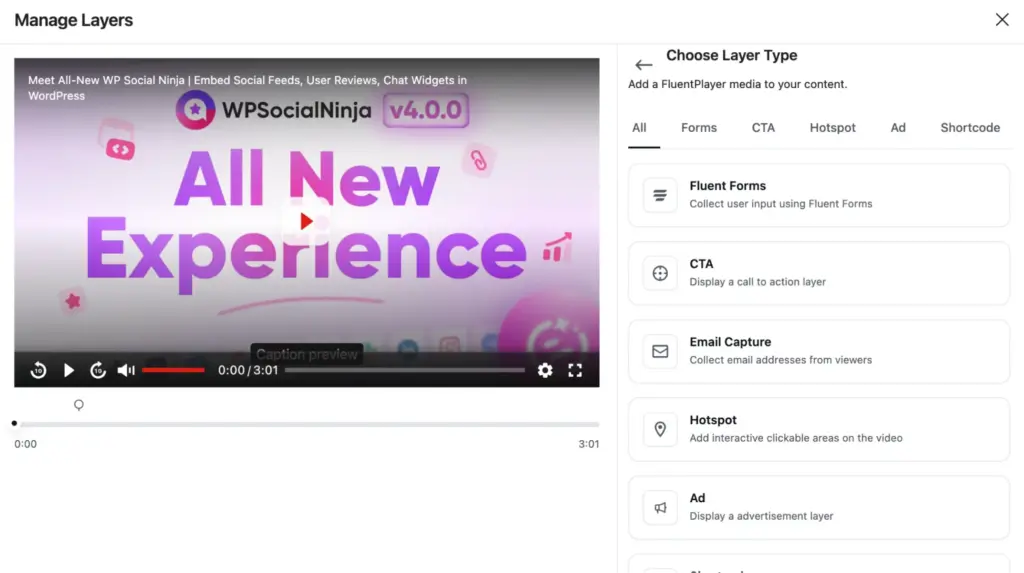
Here is how it plays out. You run a product demo, and at the moment you show your strongest benefit, a Fluent Forms form opens inside the video. The viewer fills it out without leaving the player.
That lead drops straight into FluentCRM, ready to be tagged, segmented, and added to an automation. No extra connectors, no patchwork setup. It is built in from the start.
The same idea works for teaching. Drop a quick poll into a lesson, or add a hotspot that sends viewers to a worksheet, and the video starts guiding people instead of just talking at them.
This is the part that a basic YouTube or Vimeo embed cannot match. Your video stops being something people watch and becomes something people act on.
What else does FluentPlayer bring?
Beyond interactive layers and analytics, FluentPlayer handles the everyday jobs a modern player should cover. It keeps long content easy to follow, fits the tools you already run, and stays consistent across every page and client site.
- Playlists and chapters. Group videos into ordered playlists and split long ones into chapters, so viewers can reach the part they need fast.
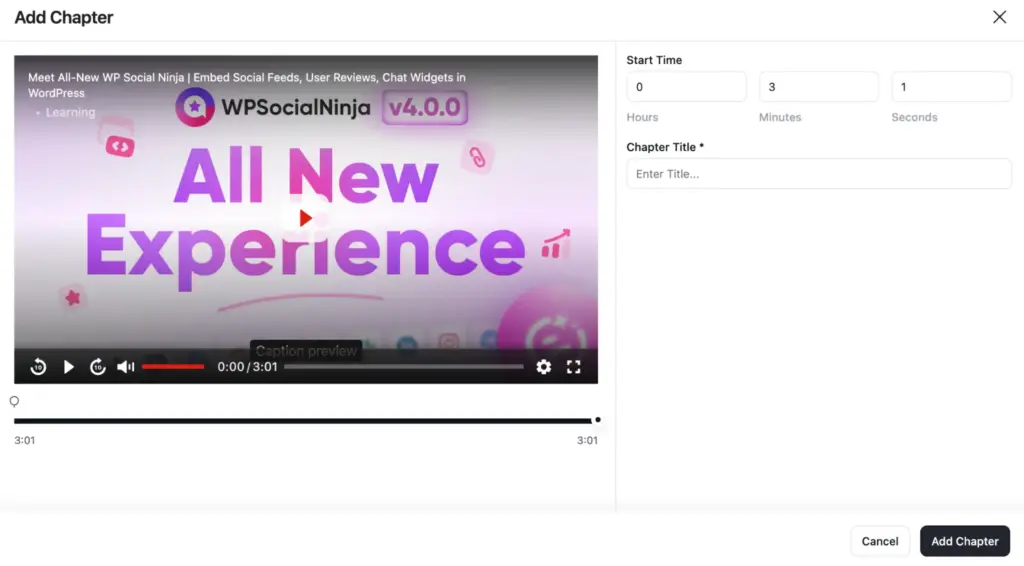
- Custom branding. Apply your own logo and brand colors to every player for a look that matches your site, not someone else’s.
- Multiple media sources. Use self-hosted video, YouTube, Vimeo, Mux, BunnyCDN, and even audio for podcasts, all with the same set of controls.
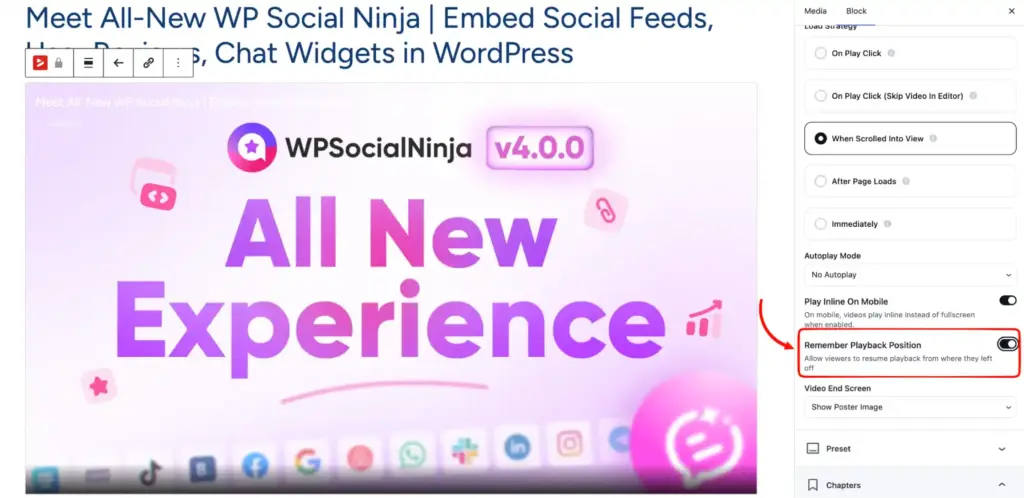
- Remember playback. Long tutorials and lessons pick up where the viewer stopped, which makes finishing far easier.
- Reusable presets. Save a player setup once and apply it across pages and client sites, with no repeat configuration. Agencies feel this one most.
- Fluent ecosystem fit. Connect viewers to Fluent Forms, FluentCRM, and FluentCommunity courses without leaving WordPress.
What does FluentPlayer integrate with?
FluentPlayer connects with the tools you already run, across hosting, lead capture, booking, and reporting. Some integrations come with the free version, and the rest arrive with Pro.
Hosting and delivery
- YouTube (Free). Embed YouTube-hosted videos and play them through FluentPlayer’s controls, presets, and interactive layers.
- Vimeo (Free). Bring Vimeo-hosted videos in and keep one consistent player, branding, and overlays across every source.
- BunnyCDN (Pro). Deliver through Bunny Stream and Bunny Storage with consistent playback behavior.
- Mux (Pro). Deliver high-performance video through Mux’s API-first infrastructure.
- Cloudflare Stream and Cloudflare R2 (Pro). Deliver through Cloudflare with playback consistent across devices.
- Gumlet Video and Gumlet Stream (Pro). Deliver through Gumlet with playback consistent across devices.
Sales and lead capture
- Fluent Forms (Free). Use forms inside videos as interactive layers to collect leads, registrations, or feedback.
- FluentCRM (Free). Capture and sync email leads from video overlays straight into your contact list.
- FluentCommunity (Free). Embed videos inside community spaces for learning, onboarding, and gated content.
- Mailchimp (Pro). Capture emails from in-video layers and connect them to your Mailchimp lists.
Courses, analytics, and everything else
- LearnDash (Pro). Embed videos inside LearnDash courses to support lessons, onboarding, and gated learning content.
- Google Analytics (Pro). Track engagement data and combine video performance with your overall website analytics.
- Webhook (Pro). Connect FluentPlayer to custom workflows, other CRMs, or third-party services beyond the native list.
Check out their integration page for more details.
How much does FluentPlayer Pro cost?
FluentPlayer Pro is now offering an exclusive Lifetime Deal. Every plan is a lifetime license that includes all features, all future updates, and lifetime support. The only difference between plans is how many sites you can use it on.
- Personal, $199. One site. For your own site or a side project.
- Freelancer, $399. Five sites. Covers today’s clients and next year’s.
- Studio, $599. Twenty-five sites. Built for growing studios and multi-brand sites.
- Agency, $799. Fifty sites, one license for every client. Available through the early bird campaign only.
Who is FluentPlayer for?
FluentPlayer is built for people who treat video as more than decoration. If your videos are meant to teach, sell, or capture leads, it gives you the controls and the data to make that happen.
Course creators get chapters, resume playback, and the analytics to see where lessons lose people. Marketers get in-video forms and CTAs that turn a watch into a lead. Agencies get reusable presets and one player to keep things consistent across client sites.
And any small business using video to explain what it does finally gets a player that pulls its weight.
Put your videos to work with FluentPlayer
FluentPlayer turns video on your WordPress site from something people passively watch into something that teaches, captures leads, and reports back. You get interactive actions inside the player, real engagement data, and full control over the experience, all without leaving WordPress.
It is the rare player that treats video as a tool for results, not decoration. Whether you teach a course, sell a product, or grow an audience, FluentPlayer gives you the controls and the numbers to make each video earn its place on the page.
Ready to see what your videos can really do? Start with the free version, build your first interactive player in minutes, and watch the data start coming in.
Frequently Asked Questions (FAQs)
Is FluentPlayer free?
FluentPlayer offers a free version, with paid plans for advanced features. Regarding its pro version, right now a lifetime deal is going on, starting from $199.
Does FluentPlayer work with my page builder?
Yes. It runs in the WordPress block editor and works alongside common page builders, so you can drop a player into your existing layout.
Will switching to FluentPlayer break my current videos?
No. You point FluentPlayer at your existing video source or media file, so your videos keep working without re-uploading or rebuilding pages.
Does FluentPlayer work on mobile?
Yes. Players are responsive and support inline mobile playback, so videos display correctly on phones and tablets.
Can I use FluentPlayer on multiple client sites?
Yes. Reusable presets let you apply the same player setup across sites, which suits agencies managing several WordPress projects.

Subscribe To Get
Weekly Email Newsletter
Connect, Customize, and Display Social Feeds, Reviews, and Chat widgets








Leave a Reply