
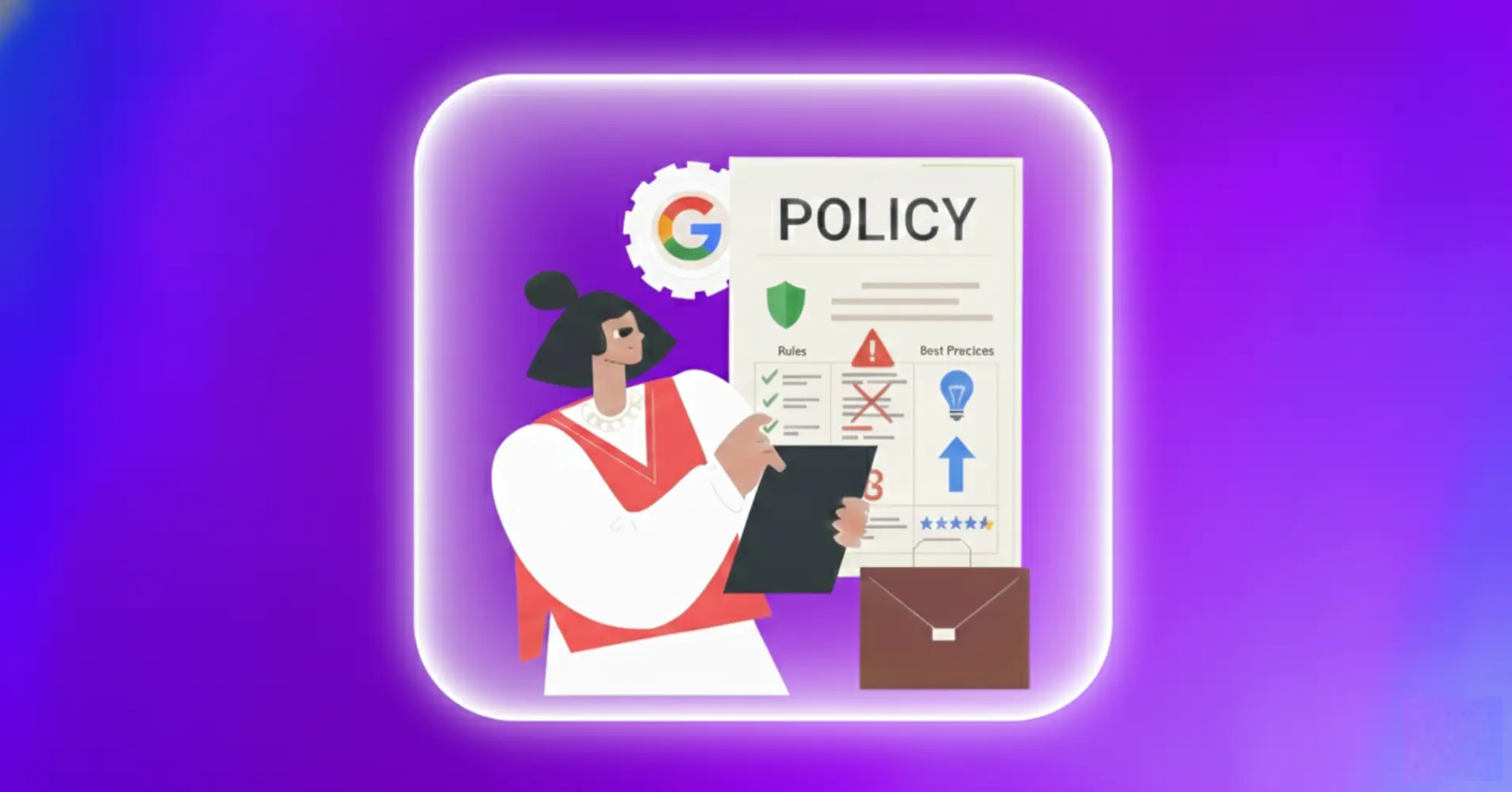
Google Review Policy: Rules, Violations & Best Practices


Google reviews can be the reason customers choose your products or services, or ignore you. A strong 4.9 rating builds instant trust, but a single slip in Google’s review rules can put your whole Business Profile in danger!
Many businesses don’t even realize they’ve broken a rule until their visibility suddenly drops.
So, understanding Google Business Profile review policy isn’t optional anymore. Whether you’re asking customers to review you on Google or managing multiple locations, knowing what’s allowed (and what’s absolutely forbidden) protects your online reputation and visibility.
In this guide, we’ll explain Google’s review rules, highlight common mistakes to avoid, and show you how to stay fully compliant.
What is Google Review Policy?
Google review policy is the rulebook guiding how customers leave reviews and how businesses request, respond to, and manage that feedback on Google Search, Maps, and Business Profiles.
These rules exist to keep reviews trustworthy and authentic. They prevent fake reviews, spam, manipulation, and harmful content from misleading consumers.
The policy covers two sides:
For reviewers: What content can you post, what crosses the line, and what are the consequences for fake or harmful submissions?
For businesses: How to ethically request feedback, what incentives are off-limits, and how to handle criticism without breaking rules.
Breaking the Google review solicitation policy can remove your reviews, lower your visibility, or even suspend your profile, which can seriously hurt your business.
If you’ve left a review on Google for a business and need help to change it for a reason, you can find everything in this blog: How to Edit Google Reviews & Respond: Complete Guide
What are the rules of Google reviews?
Google review guidelines focus on authenticity, relevance, and safety. Here are the core rules:
For customers writing reviews
Share real experiences: Only write reviews about businesses or services you’ve actually used. Don’t rely on rumours or secondhand stories.
Stick to the topic: Focus on the product, service, or overall experience. Avoid unrelated opinions or political comments.
Be truthful and polite: Give honest feedback and stay respectful. Avoid threats, insults, or personal attacks.
One review per business: Don’t post multiple reviews for the same business from different accounts.
Avoid conflicts of interest: Don’t review your own business, your employer, or competitors, as Google can spot this.
Learn the proper way of writing reviews for a business on Google: How to Write A Google Review for A Business (Best Practice)
For businesses requesting feedback
Ask everyone fairly: Give all customers a chance to leave feedback. Don’t only approach happy ones, as this “review gating” is against Google’s rules.
No incentives: Never offer discounts, free products, gift cards, or any reward in exchange for reviews. Positive or negative, it’s not allowed.
Don’t pressure customers: Avoid pushing or demanding positive feedback. Aggressive requests can violate policy.
Respond respectfully: You can reply to reviews, but always stay professional and avoid defensive or harsh language.
Avoid bulk requests: Don’t send hundreds of review requests at once. Space them out naturally to prevent spam flags.
Must read about how to ask for a Google review: 10+ Proven Ways to Get More Customer Feedback
What violates Google Review Policy?
Google prohibits several types of content and behaviours. Breaking these rules leads to removal or worse, which leads to account suspension.
Google doesn’t allow anything fake, misleading, or unfair. Here are Google review policy violations that you can get into trouble for you:
- Write reviews for businesses you haven’t actually used or make fake accounts.
- Offer discounts, gifts, or money in exchange for reviews.
- Include hate speech, threats, or attacks based on someone’s race, gender, religion, or other personal traits.
- Post spammy, off-topic, or repetitive content, or advertise unrelated businesses.
- Share someone’s private information without permission.
- Make false claims about health or promote unproven treatments.
- Block unhappy customers from leaving reviews or try to hide criticism.
- Send lots of review requests at once, which looks like spam.
Want to stay private on Google? Learn how to leave anonymous-style reviews here: How to Leave an Anonymous Google Review
Can you pay for Google reviews? (Spoiler: No)
This question comes up constantly, and the answer is clear: you cannot pay for reviews under any circumstances.
Google’s customer review policy explicitly forbids any compensation. This includes:
- Cash payments
- Discounts after customers submit feedback
- Free products or services in exchange
- Gift cards, coupons, or store credit
- Contest entries or prize drawings
Why is this forbidden? Paid submissions destroy authenticity. When businesses can buy positive feedback, reviews become meaningless.
And if you ask about incentives for “honest” feedback, it’s still prohibited. Even saying “leave honest feedback (positive or negative) and get 10% off” violates policy.
The consequences are severe. Businesses caught offering incentives face removal, reduced search visibility, or complete profile suspension.
Pro tip: Request genuine customer feedback without compensation. Quality service and convenient processes naturally generate genuine Google 5-star reviews.
How to remove bad reviews from Google My Business (The right way)
You can’t delete a review from your Google Business Profile on your own. Google only removes a review when it clearly breaks their rules, such as spam, fake stories, abusive language, or anything that looks misleading.
Still, you do have a few ways to handle bad or suspicious reviews.
Report reviews that break Google’s rules: If a review is fake, spam, offensive, or violates policy, report it through your Google Business Profile. Google will review and decide if it should be removed.
Wait for Google’s decision: This may take a few days. Reviews that clearly violate policy are removed, while legitimate ones stay.
Submit an appeal if needed: If a harmful review isn’t removed and you have proof, file one appeal via Google Business Profile support.
Handle real negative reviews professionally: For genuine complaints, you cannot remove them. Instead, respond politely, acknowledge the concern, and offer a solution. A calm, professional reply often leaves a better impression than the review itself.
Pro tip: The best way to reduce the impact of a bad review is to earn more positive ones. When you consistently deliver good service, the occasional negative comment gets buried quickly.
And if you’re using WP Social Ninja, you can highlight your best Google reviews right on your website, so visitors see your strongest social proof first.
Even if you don’t want to show the negative reviews, you can hide them with specific hashtags or keywords.
Best practices for staying compliant
Follow these simple steps to keep your Google reviews safe and build a trustworthy online presence:
Ask all customers: Give every customer the chance to leave feedback. Avoid only targeting happy ones.
Send requests gradually: Don’t confuse customers with multiple requests at once. Spread them out so they feel natural and not overwhelming.
Make it easy: Share direct links to your Google Business Profile so leaving a review is simple.
Respond professionally: Reply to every review politely. Showing you care builds trust with future customers.
Watch for fake reviews: Report suspicious submissions quickly to protect your reputation.
Train your team: Make sure everyone understands the rules and follows ethical practices.
Use compliant tools: If you use a review management tool, confirm it doesn’t engage in review gating or other banned practices.
Stay compliant, and learn the best strategies to get customer feedback. Still, if you want to get reviews with money, learn the risks of buying Google reviews.
Staying compliant with WP Social Ninja
Following Google’s review policy becomes much easier when your tools support the rules. WP Social Ninja is designed to help you collect, manage, and display your Google reviews in a way that stays within Google’s guidelines.
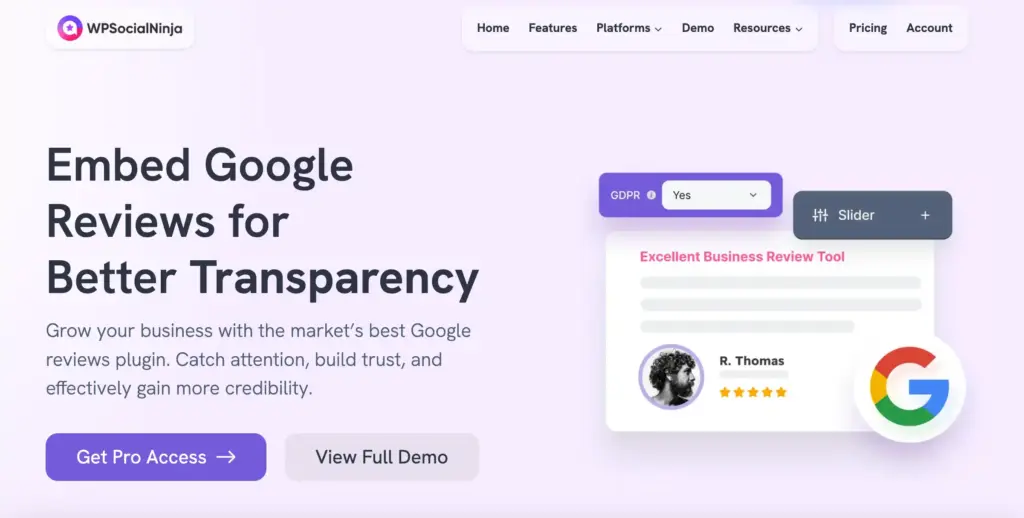
It keeps everything transparent and policy-safe, so you can maintain a strong reputation without the extra stress.
What WP Social Ninja offers:
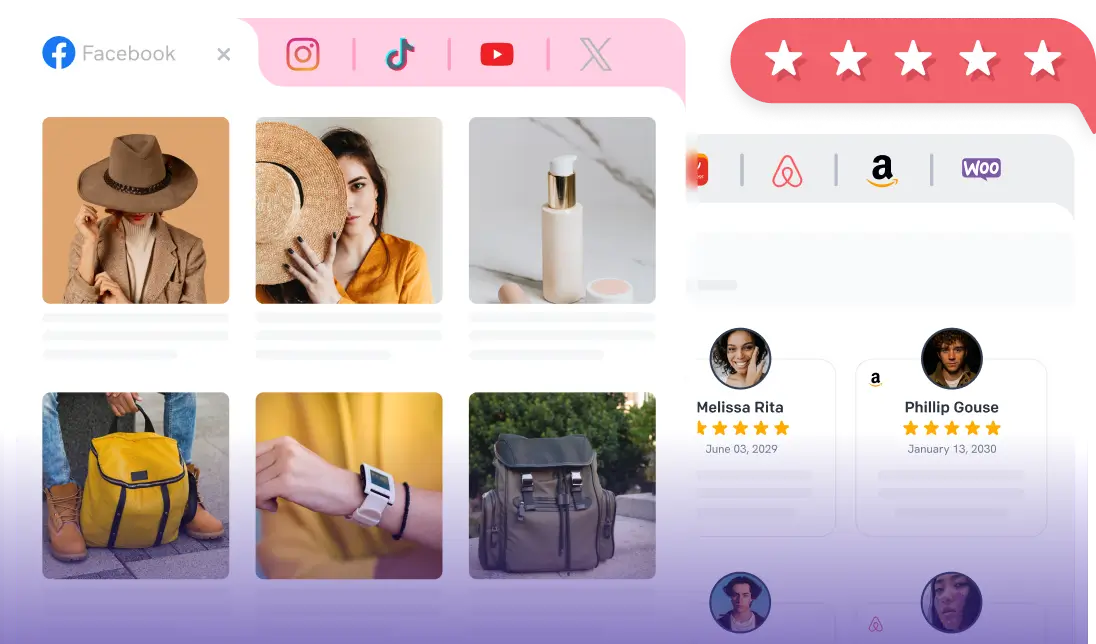
Reviews from multiple platforms: Connect reviews from Google, Yelp, WooCommerce, Facebook, and several other platforms. You can aggregate reviews from different sources into one review feed.
Variations in layouts and templates: Pick from review badge, grid, and carousel layouts to show your reviews in a way that fits your site’s style. Customize and style your settings easily without any coding knowledge.
Advanced filtering options: You can highlight your 5-star ratings and best reviews, or hide reviews with specific keywords. This won’t require you to remove anything from your Google Business profile.
GDPR-compliant review feeds: WP Social Ninja loads reviewer images locally and follows strict data protection rules, so your review displays stay secure while your pages load faster.
Collect more reviews: Request feedback from everyone equally without gating or selective solicitation. You can add a ‘review button’ to collect reviews while displaying your reviews.
Schema support: Turn on schema markup to help your reviews show up better in local search results.
Verified reviewer badge: You can add a small reviewer badge to make your reviews look more trustworthy and credible.
AI overview of reviews: Give a glimpse to your customers about what customers say about you with an AI review summarizer.
Collect reviews with QR code: Make it easy for customers to leave feedback by scanning a QR code, speeding up the review process and increasing submissions.
Custom reviews: Add reviews you’ve gathered from other sources with the custom reviews feature. Each entry is clearly marked, so your audience always knows exactly where the feedback came from. You can add your custom reviews manually or with Fluent Forms, whichever is convenient to you.
Win your customers’ hearts with exceptional features
Discover how WP Social Ninja can assist you in designing outstanding customer experiences.

Protect your business by following Google’s review policies
Sticking to Google’s review rules keeps your Business Profile safe, your reputation strong, and your customers confident in what they see.
Key takeaways:
- Don’t offer rewards for reviews
- Ask for feedback fairly
- Report anything that breaks Google’s rules
- Keep your responses calm and respectful
- Let honest service bring in genuine reviews
When you stay within the policy, you avoid penalties and ensure your reviews continue to help your business grow. Businesses that consistently follow the guidelines earn trust and gain better visibility over time.
Start with understanding the rules, use helpful tools like WP Social Ninja, and rely on real customer experiences to shape your review strategy. This is the healthy, long-term approach that pays off.
Want your business to show up in local searches when customers are ready to buy?
FAQs about Google Review Policy
What are the rules of Google reviews?
Content must be based on real experiences, honest, relevant, free from prohibited content (hate speech, spam, fakes), and not influenced by incentives or conflicts of interest.
What are the violations of Google review policy?
Violations include fakes, incentivized content, hate speech, spam, gating, selective solicitation, and harassment.
How to get a 4.9 rating on Google reviews?
Provide excellent service consistently, make it easy for customers to leave feedback, and ask at the right moment. Respond politely to every review, resolve issues quickly, and use trusted review tools to manage and display feedback properly.
Can businesses offer incentives for Google reviews?
No. Business Profile policy explicitly prohibits all incentives, including discounts, free products, gift cards, or any compensation.

Subscribe To Get
Weekly Email Newsletter
Connect, Customize, and Display Social Feeds, Reviews, and Chat widgets


Trending Posts
-
-
 Mashfik Upal Aumy
 -
 Mashfik Upal Aumy




Leave a Reply